Where in the world have you been?
Click a country to mark it visited. Zoom in with the United States and Canada tabs, or add specific places under Places & Trips.
Recent from the blog
 Best Scenic Train Rides by Continent: 20 Top RoutesOctober 28, 2026
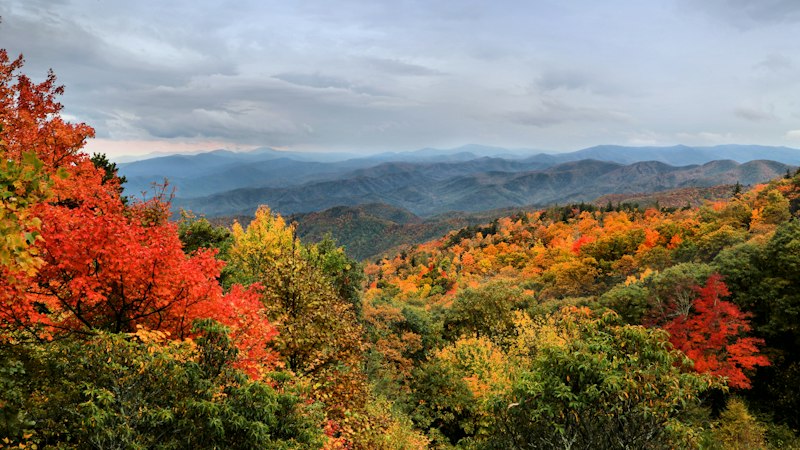 North Carolina Gem Mining: Franklin, Spruce Pine, HiddeniteOctober 20, 2026
 The Easiest US State Highpoints You Can Drive or Walk UpOctober 14, 2026
 Crater of Diamonds State Park: How to Dig for Real DiamondsOctober 9, 2026
 Albuquerque Travel Guide: Balloons, Petroglyphs & Red ChileOctober 5, 2026
 Dollywood with Kids: A Family Guide to Pigeon ForgeOctober 2, 2026
 Mountain Coasters Around the US: Where to RideSeptember 27, 2026
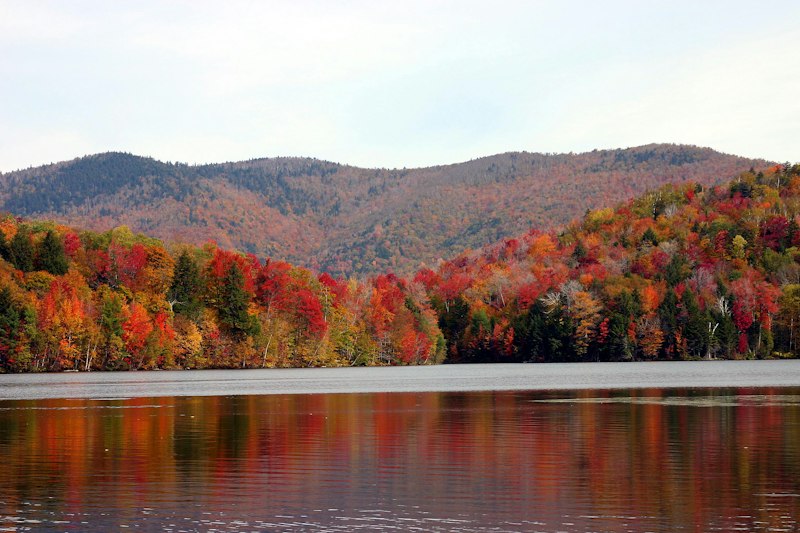 Leaf Peeping in Vermont: A Fall Foliage Road Trip GuideSeptember 25, 2026All posts - there's a whole lot more to explore →
Your travels, on a map
Get Busy Exploring is a free interactive travel map tracker. Click any country on the world map to mark it visited and watch your personal map fill in — then zoom into the United States to track all 50 states and the territories, or Canada for every province and territory. No sign-up, no app to install: open the site, start clicking, and your progress saves automatically.
Why a map beats a list
A list of countries is data; a filled-in map is a story. Seeing your travels visually surfaces things a list never will — the whole continents you haven't touched, the border you've crossed a dozen times, the one state left blank in a sea of color. It's the digital version of the scratch map on the wall, except it lives in your pocket, updates in seconds, and doubles as a plan: mark regions as want to go and your map becomes both a memory and a bucket list.
Remember the places, not just the countries
Countries are the big picture — the details live in Places & Trips. Pin the ramen shop in Tokyo, the hotel in Lisbon, the trailhead in Banff; group them into trips with dates; add notes you'll thank yourself for later. And trips aren't just for looking back: create next summer's trip today, pin the places you're considering, and plan it on the same map you'll remember it on. Your stats page turns it all into progress gauges and badges to earn — each one a shareable card. Already have years of travel in Google Maps? Import your Google Timeline and reconstruct your map in minutes — the file is analyzed in your browser and never uploaded.
Made to be shared
A travel map is a conversation starter, so sharing is built in. Create a read-only link and the preview image on Facebook, X, WhatsApp, or LinkedIn is your actual map — countries, states, or provinces filled in, in your chosen colors. Share a single trip with its pinned places, or post a badge card the moment you earn it. Links are revocable any time, and visitors see only what you chose to share — never your notes-in-progress or your restore code.
Frequently asked questions
- Is Get Busy Exploring free?
- Yes — the maps, places, trips, stats, badges, and sharing are all free. There's nothing to install and no account to create.
- Do I need an account?
- No. Your data is saved automatically under an anonymous restore code. Save that code (find it behind the save icon in the top bar) and you can pull your maps up on any other device.
- Can I import my travel history from Google Maps?
- Yes. Export your Google Timeline from your phone and import it on the Import page — it's analyzed entirely in your browser, and you pick which countries, states, and trips to keep before anything is saved.
- Can I share my travel map?
- Yes. Create a read-only share link and post it anywhere — on Facebook, X, WhatsApp, and other networks the preview shows your actual map with every place you've been filled in. Trips and badges have share links too.
- What's the difference between visited and want-to-go?
- Click a region once to mark it visited, click again to move it to your want-to-go wishlist. Visited regions fill in with your accent color, wishlist regions in a contrasting one — so your map shows where you've been and where you're headed next.